
Picker at the pointer
Click a link in Mail, Slack or a terminal and a small picker opens right under the cursor. No window to hunt for.
https://openwith.ttsalpha.com
openwith.ttsalpha.com
 1Safari
 2Google Chrome
1…2 open · ⇧ private · ⎋ cancel
Click a link in Mail, Slack or a terminal and a small picker opens right under the cursor. No window to hunt for.
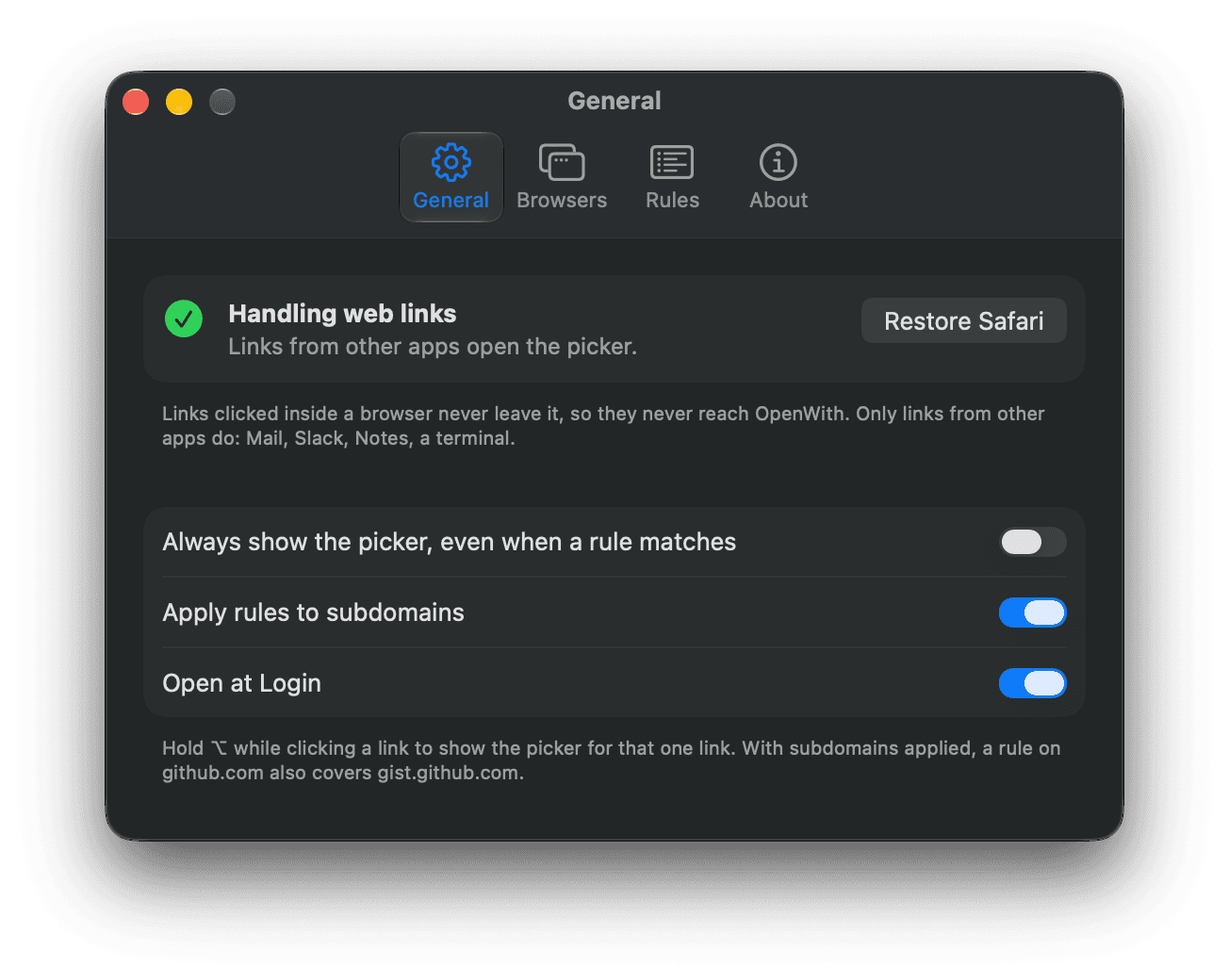
Tick Remember once and that site always goes to the browser you chose. With subdomains on, a rule on github.com also covers gist.github.com. The longest match wins.
1…9⏎⌘C⎋
Pick a browser by number, take the first one with Return, copy the link, or cancel.
⇧
Hold Shift while you pick. Browsers that can open a private window do; Safari has no flag for it, so it stays a normal window.
⌥
Hold Option while clicking a link to see the picker even when a rule matches.
A menu bar item, no Dock icon. Open at Login if you want it always there, and restore your old default browser in one click.
Installs the same build into Applications, then clears the quarantine flag macOS puts on the download.
$brew install -y --cask ttsalpha/tap/openwith && xattr -dr com.apple.quarantine /Applications/OpenWith.app